


Blog
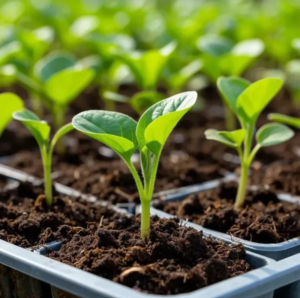
How Much Water Does It Take To Grow Seedlings?
There isn’t one single gardening task where each gardener hasn’t lost at least a few seedlings due to water problems
Read the guide80 free calculators for better growing
Professional-grade calculators for soil volume, plant spacing, watering routines, timber value, and field coverage. Free to use, private, and built for real growing results.
80 calculators
Each one answers a single question — how much soil, how many plants, how many trees, how many hours. Everything runs in your browser, with no sign-up.
Volume of soil, compost or mulch for beds and pots — plus how many bags that is.
How many plants fit a bed at a given spacing, using square-foot gardening densities.
How much water a planting needs each week, adjusted for plant type and season.
Trees per acre for a given spacing, on square or triangular layouts.
Board-foot volume and rough timber value from trunk diameter and height.
Field capacity from implement width, ground speed and working efficiency.
Per-acre clearing cost by terrain, tree density and hire vs. DIY.
Setup and running cost for a new plot — beds, soil, plants and tools.
From planning to planting
Turn a few measurements into a practical plan. Work out what to buy, where to plant, and how much to water before you get your hands in the soil.
Find the volume your beds need and turn it into a practical bag count.
Work out how many plants fit, with room for healthy growth.
Estimate weekly water needs for your plants and the season.
Method
These are planning tools, so the method matters as much as the answer. Here is what sits behind each result.
For drainage, fertility, or a tree you intend to sell, a soil test or local assessment is the best next step after an estimate.
Answers
A little clarity before you start. Here are the questions people ask most about using our calculators.
Yes. Every calculator on the site is free, with no sign-up, no trial period and nothing held back behind a paywall. The site is supported by advertising.
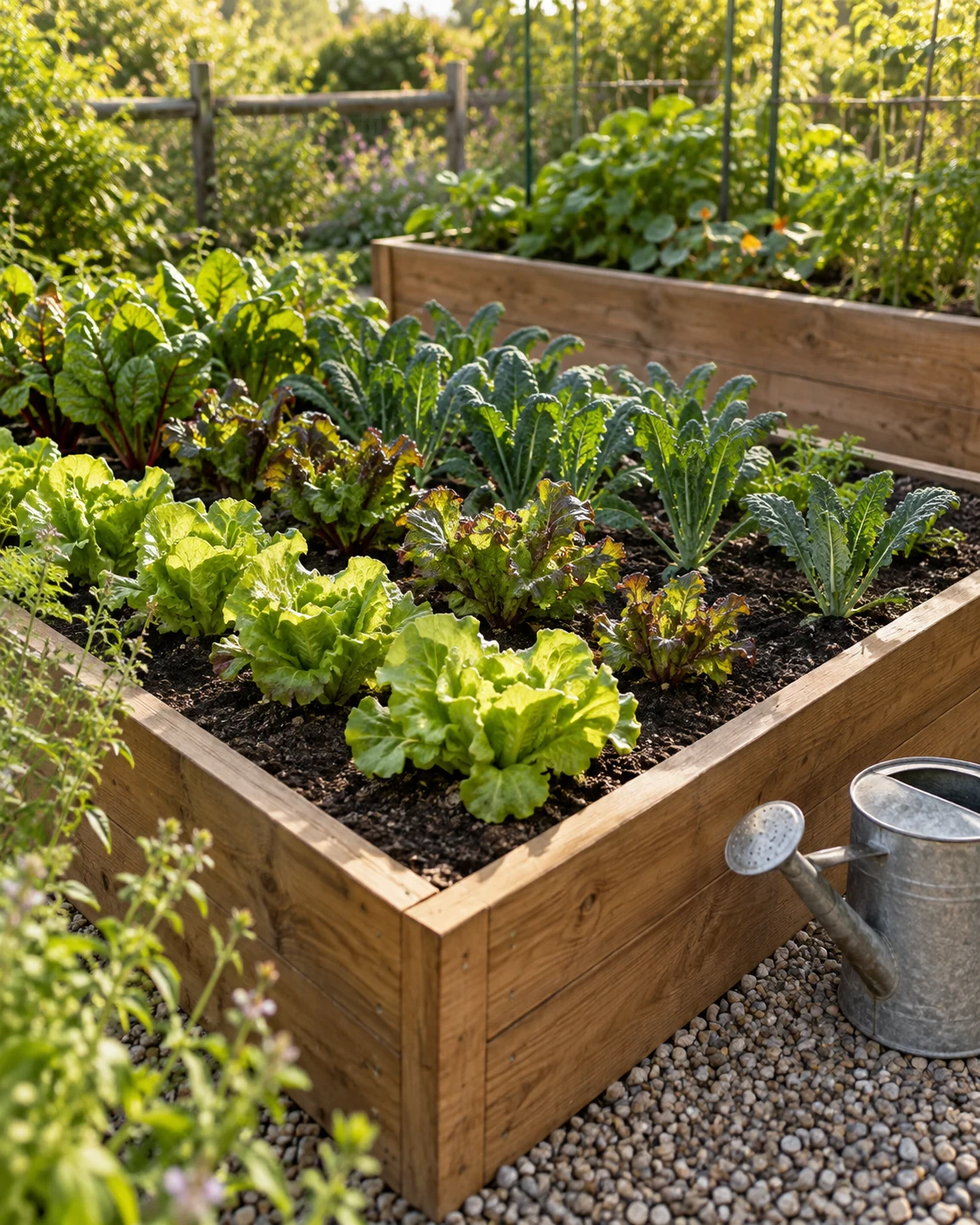
Multiply length by width by depth in feet, then divide by 27 for cubic yards. A 4 ft × 8 ft bed filled 10 inches deep needs 26.7 cubic feet — just under a cubic yard. The Soil Calculator does this for you and converts it into bag counts.
Open the Soil CalculatorMany do. Where a tool accepts metric, the unit sits next to the field you type into — depths in centimetres or metres, areas in square metres or hectares, volumes in litres — so you can mix units and let the calculator convert. Tools built around Imperial-only conventions, such as board-foot timber rules, stay in Imperial because converting them would misrepresent the standard.
The arithmetic is exact — accuracy depends on your measurements. For bulk materials like soil, compost and mulch, order 5 to 10 percent more than the calculated volume to allow for settling and spillage. For the cost tools, treat the output as a planning range rather than a quote, because local rates vary widely.
No. Every calculation runs in JavaScript in your own browser. Your inputs are never sent to a server, never written to a database and never tied to an account, because there are no accounts.
There is no saved-results feature, since the site does not have accounts. Your browser's print or save-as-PDF command captures the result and the working alongside it, which is usually enough to take to a garden centre.
Guides
Longer reads on the things a calculator can't settle for you — soil mixes, timing, and what to do when the numbers and the ground disagree.
Blog
There isn’t one single gardening task where each gardener hasn’t lost at least a few seedlings due to water problems
Read the guide
Blog
Your vegetable garden should get around an inch of water a week, either all at once or in two big
Read the guide
Blog
Everyone wants a figure. Three days, one week, two weeks during the summer. Yeah, I understand you, but the reality
Read the guideAlready know what you need to work out?
Go straight to the tool. No sign-up, no email, and it will still be free next season.